← All video guides
Video guide · 10:47
Settings — set it up once, the right way
Your business details, team, WhatsApp numbers and connected apps — set up once, and left to work.
- Alerts on your phone, even when BizBotify is closed
- Roles that show each person only what they need
- STOP and START handled for you
- Connect your AI, CRM, website forms and lead ads
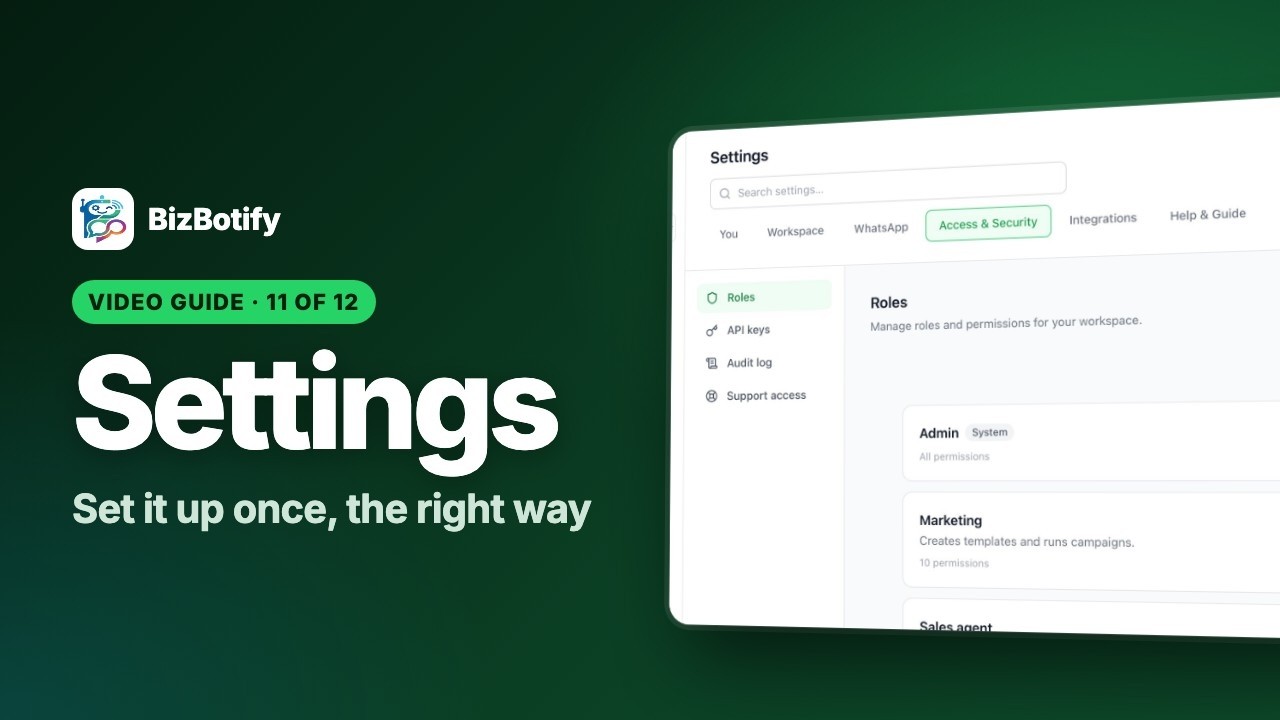
Tap the highlighted spot, or use the ← → keys.
7 chapters40 stepsExamples for 4 business types
What you'll learn
7 short chapters. Pick one to jump straight to it.
Use it in your business
How businesses like yours put this to work.
🛒
E-commerce
A store that runs itself
- Timezone and currency right, so reports and scheduled sales match your day
- STOP handling on, so customers who opt out are never messaged again
- An API key for your Shopify or WooCommerce connector
🏠
Real estate
One team per project
- Teams per project or branch, so chats go to the right people
- Roles so each agent sees only their own buyers
- Facebook and Instagram property ads connected under Lead ads
💰
Loans & finance
Control and a clear trail
- Roles that limit who sees which applications
- The audit log shows who changed what, and when
- Support can only enter with your Admin's approval — for a set time
🩺
Clinics
A front desk that never misses a message
- Push notifications on the reception computer and phones
- A team per doctor or branch
- An AI profile with your clinic's tone and the words that hand over to a person