← All video guides
Video guide · 7:15
Library — write it once, use it everywhere
Every message your business sends — approved templates, saved replies and forms — in one place.
- AI writes the first draft of a template
- The same answer from every teammate
- Forms customers fill in without leaving WhatsApp
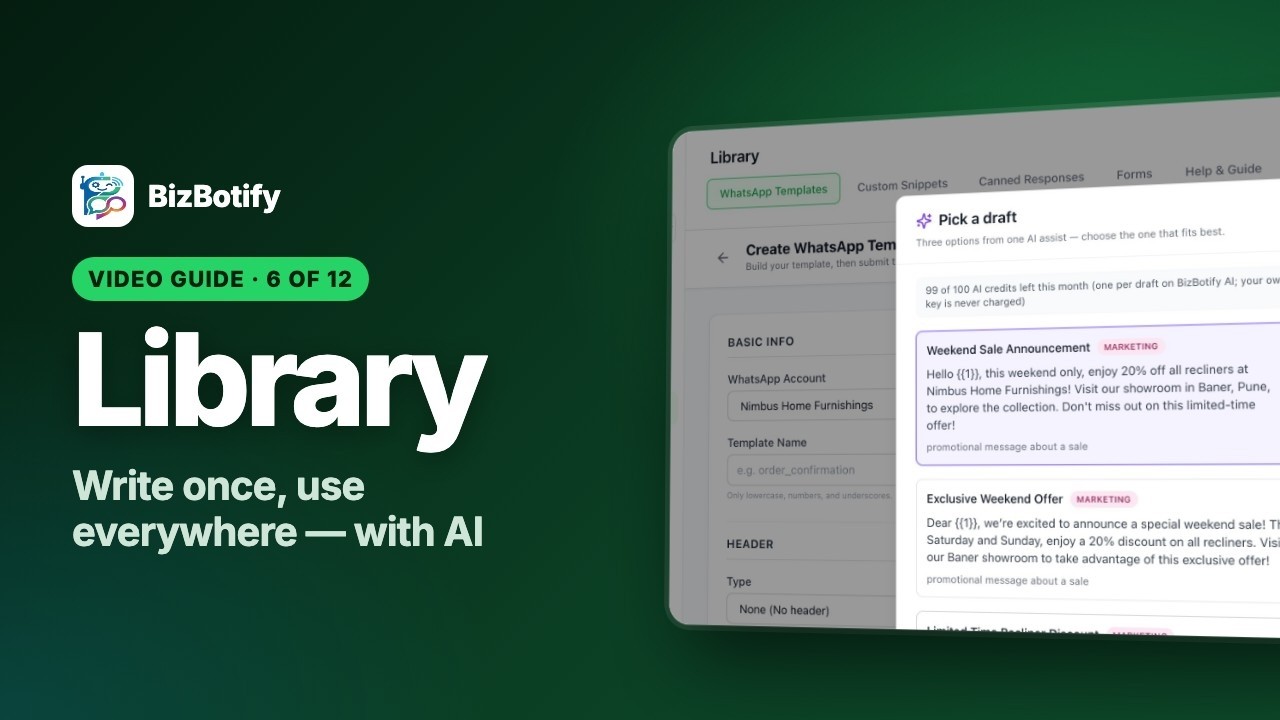
Tap the highlighted spot, or use the ← → keys.
6 chapters29 stepsExamples for 4 business types
What you'll learn
6 short chapters. Pick one to jump straight to it.
Use it in your business
How businesses like yours put this to work.
🛒
E-commerce
Order updates customers trust
- Utility templates for order confirmed, out for delivery and delivered
- A "Shop now" button on every offer template
- A /returns saved reply so every teammate explains it the same way
🏠
Real estate
Brochures and site visits on WhatsApp
- A launch template with the project photo on top
- A "Book a site visit" form with date and time inside WhatsApp
- A project menu snippet your chatbot sends in one tap
💰
Loans & finance
Clear, approved messages
- Utility templates for EMI due dates and application status
- A form that collects loan amount, monthly income and city
- Saved replies for eligibility and the documents checklist
🩺
Clinics
Appointments without phone tag
- An appointment reminder with Confirm and Reschedule buttons
- A booking form with doctor, date and time
- /fees and /timings saved replies for the front desk